
Checking for a Warrant in Brownsville
Read the citation or summons closely. It names the court and agency that matter. Brownsville posts no public warrant portal or active warrant list, so the city's payment page and its records request route are separate services. Neither one works as a live warrant lookup for Brownsville. Call the City Court Clerk or the Police Department instead and ask about the current process.
- Identify whether the document names Brownsville City Court.
- Call the City Court Clerk route or Police administrative office.
- Ask for the case or process number and current court status.
- Use the City Clerk's records policy for a specific existing record or copy.
- If the paper names a county court, ask that court clerk instead.
Brownsville's Warrant Route Starts With City Hall
Brownsville keeps its public offices at two separate addresses. City Hall sits at 15 East Main, and the Police Department is at 111 North Washington. City Hall lists 731-772-1212, while MTAS lists City Court Clerk Carolyn Joyner at 731-772-1260. The Police Department lists 731-772-1260 for administration and 731-772-1215 for calls or non-emergency service. Those numbers can change, so check the current city directory before you visit. The office name matters as much as the number. A police service line is not automatically the City Court clerk, and a City Hall records request is not a request to recall a warrant. Ask which Brownsville office holds the docket, which handles service, and which can issue proof once the court has acted.
Brownsville Police and Municipal Court
The Brownsville Police Department publishes contact details and administrative hours only. It posts no warrant-search form, no roster, and no dedicated warrant email. The charter sets up a separate City Court for ordinance matters. Route your question to both offices, but ask which one holds the existing court entry before requesting a copy.
Brownsville Police Department
111 North Washington Avenue
Brownsville, TN 38012
731-772-1260
Brownsville City Court
City Hall, 15 East Main Street
Brownsville, TN 38012
731-772-1212
MTAS lists the City Court Clerk at 731-772-1260.
Brownsville Charter and City Warrant Process
The Brownsville charter creates a City Court and a City Judge with jurisdiction over municipal ordinance violations. It also covers authority tied to arrest and preliminary proceedings for certain offenses committed inside the city. That language does not put every state case in Brownsville into city court, so ask the clerk which court holds the file. For an ordinance matter, call the city route first. If a county deputy or Tennessee State Trooper wrote the citation and it names General Sessions, use the county clerk instead. City limits alone do not decide jurisdiction. The charter describes the court's structure, not a public warrant database, so a Brownsville warrant search still runs through the clerk and the court.
Brownsville Warrant Types
Brownsville City Court handles municipal matters under its charter. Miss a scheduled appearance there and further process may follow. A state arrest warrant or county traffic case may belong to another court, so confirm the issuing court before you act.
| Process | How it may arise | First Brownsville route |
|---|---|---|
| Ordinance warrant | Unresolved city-code matter | City Court Clerk |
| Municipal FTA | Missed City Court appearance | City Court, then Police if service is held there |
| Traffic citation | City or county ticket, depending on court named | Read the citation and call its court |
| State arrest warrant | Criminal complaint and court process | Issuing county court clerk |
Brownsville Police Has No Public Warrant Portal
Brownsville publishes no online warrant lookup. The official Brownsville Police page lists contacts but no public warrant list, no name search, and no surrender hours. The city payment page covers ticket and court-cost categories, not warrant status. Call the City Court Clerk or the Police Department and ask which one can verify a warrant's current status. An empty online result proves nothing, since an internal record can exist without any public display. If an office says it does not hold the record, get the name and number of the correct clerk. Never rely on an unofficial result when the question is an active Brownsville warrant.
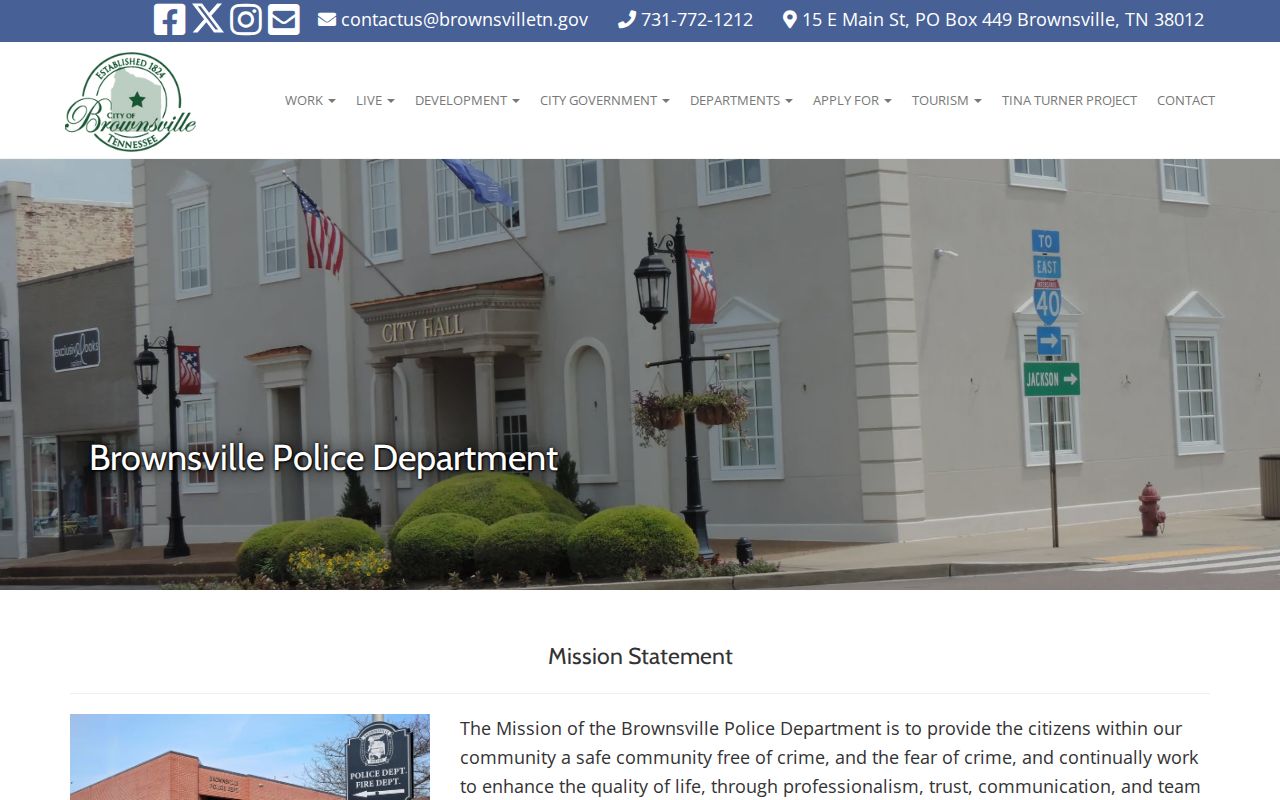
The Police page documents an official contact route. It is not a Brownsville warrant list or a result for any named person.
Inside a Brownsville Warrant Record
Brownsville City Court publishes no docket schema or public search layout. A municipal court record may still identify its case, ordinance or offense, setting, process, judge, disposition, fine or cost, and service information. Ask the City Court which fields exist in the specific record. Also ask whether any part is sealed or restricted.
| Case or process number | Use the number on the city citation if one appears. |
|---|---|
| Issuing court | Confirm whether the entry belongs to Brownsville City Court or a county court. |
| Ordinance or offense | Shows what local matter prompted the process. |
| Disposition and payment | Ask whether the docket shows a court result and whether money was collected. |
| Current service status | May require a separate answer from Police or the Sheriff. |
BC-EXAMPLE-0000 is an invented label for illustration, not a Brownsville case number.
Brownsville TPRA for Warrant Records
The City Clerk is the contact for public-record requests in Brownsville. Under the policy, inspection need not be in writing, but requests for copies use a written route. A narrow request can name an existing docket entry or process by number, date range, and record type. The policy also provides a response form when the city cannot respond promptly. Copy rates run $0.25 for black-and-white pages and $0.50 for color, with labor charges after one hour plus actual outside-vendor costs. A waiver may apply up to $25. Confirm current terms with the PRRC before sending payment. Brownsville's public-record policy identifies its request route and linked form. One caution: a records request seeks a document. It is not a motion to recall a warrant, so ask the issuing Brownsville court about that step separately.
Brownsville Tickets and Court Costs Are Not a Warrant Search
Brownsville's payment hub splits Tickets & Citations and Court Costs into separate categories, with no warrant fields anywhere on the screen. Paying a fee there does not recall a court order. Ask the Brownsville clerk what the amount covers. Is it an ordinance fine, court cost, or bond? Find out whether an appearance or a written recall order is still needed before you count the matter closed. Keep the receipt. A payment can settle a balance while the warrant itself stays active until the issuing court acts. The payment page answers a billing question, not whether a Brownsville warrant exists.
Where Brownsville Warrants Fit With Haywood County
A Brownsville ordinance case starts in City Court or with the city police. County criminal matters and certain traffic tickets go to the Haywood Circuit or General Sessions Clerk instead. Read the court named on your paper, and use the county overview only for county cases.
Warrant flow: Brownsville City Court / Police › City Clerk or serving agency › County clerk only when the citation names a county court
The Haywood County overview maps the courts, the Sheriff, and state routes without replacing Brownsville's own city process.
Brownsville's Population Is Not Warrant Data
UT MTAS lists a 2026 certified TNECD estimate of 9,788 for Brownsville and a 2010 Census figure of 10,292. Keep those vintages separate. The county-seat role splits city and county offices.
The city profile supplies court clerk and judge contacts, never warrant totals. It is civic context, not a defendant list.
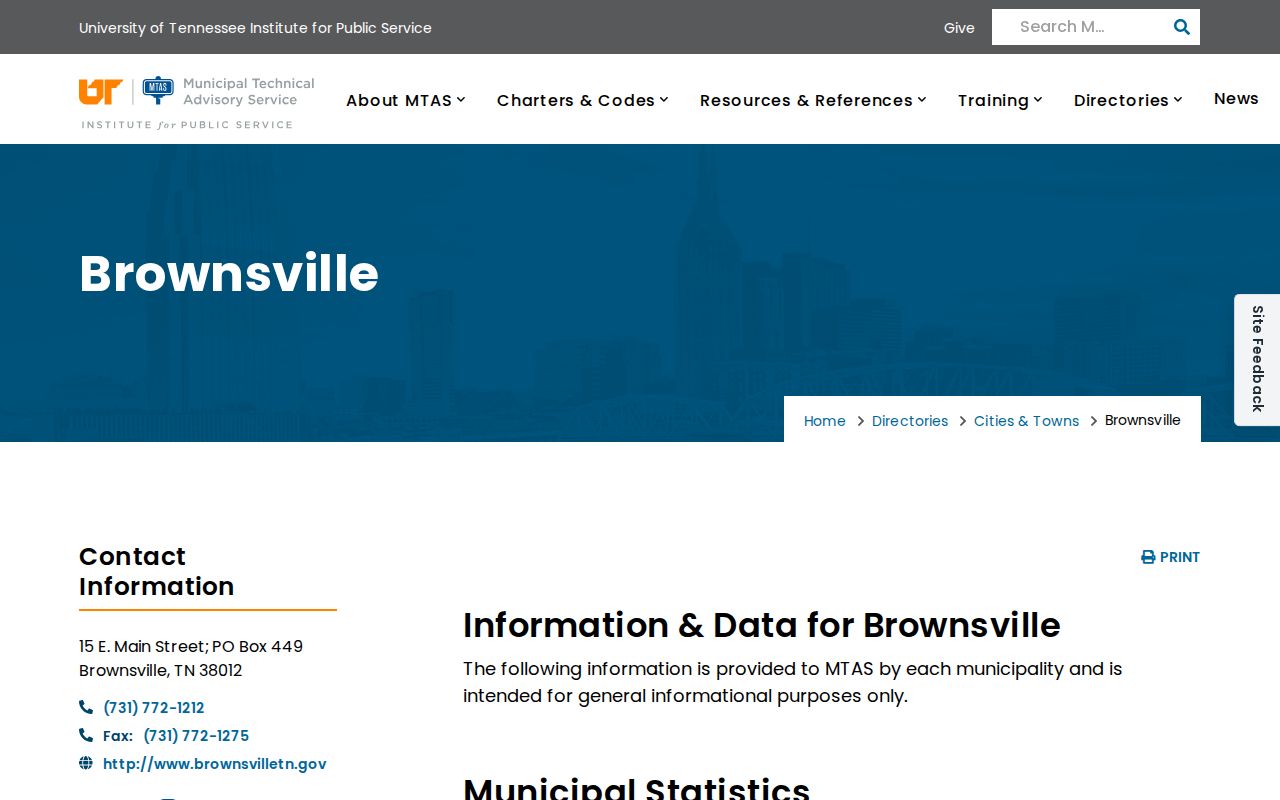
The Brownsville profile is a civic reference for population figures and court contacts, not a list of defendants.
Public Access to Brownsville Warrant Records
Tennessee's Public Records Act covers existing records held by the right Brownsville office, subject to limits. Court access also follows Tennessee Supreme Court Rule 34. Sealed, juvenile, protected, or investigative files may stay closed. A records request never forces a Brownsville office to build a new warrant roster or interpret a warrant's status.
Access rules:
Tennessee Public Records Act sets the general route for existing public records and local request procedures.
Tennessee Supreme Court Rule 34 covers court-record access and protected records.
Juvenile Rule 114 sets closure rules for dependent/neglect cases and some delinquency hearings; separate statutes govern access to case files.
File a specific Brownsville city record request and ask the Clerk which redactions or limits apply.
Brownsville Warrant Records and City Contact Updates
Brownsville city profiles, police contacts, charter text, payment links, and records policies can all change on different schedules. Recheck the clerk, PRRC, and payment hours first. No walk-in warrant resolution date is posted. If a Brownsville contact changes, keep the court name and process number and use the current city directory. A web update never changes the court order.